 Guides
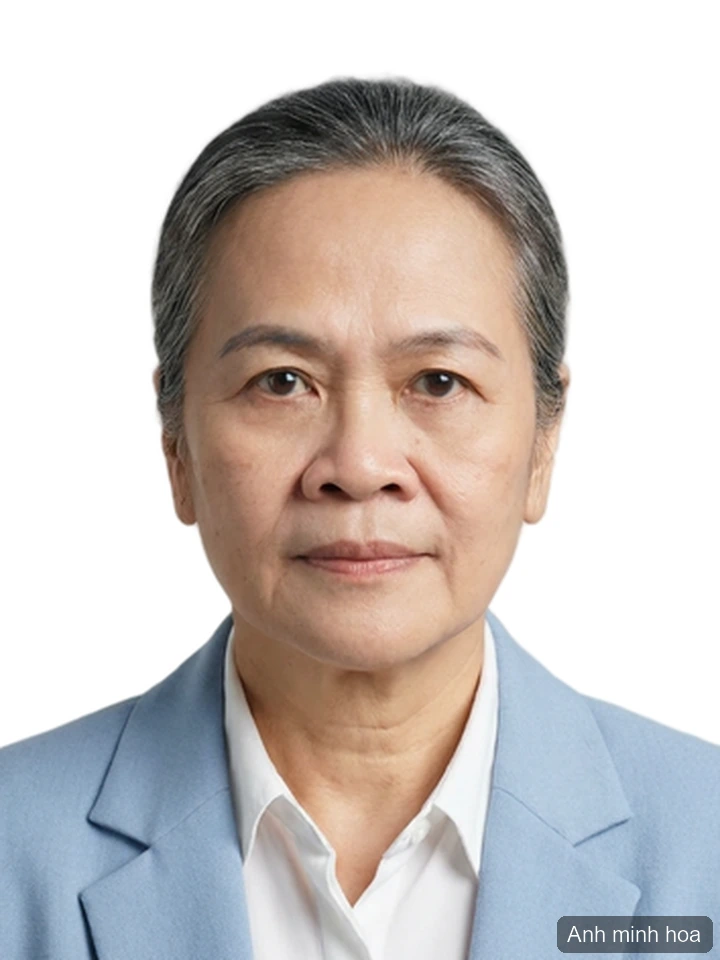
A headshot that looks like you, from the selfie you already have
Turn an everyday selfie into a professional headshot: AI swaps in a shirt or suit and tries to preserve your face. Not for US passport photos.
10 min read
Pick the tool that fits the job — cut out a background, erase something you don't want in the frame, sharpen a shot that came out soft. Upload the photo, and download the result a few seconds later: no install, no design skills.
The toolkit
18 tools, each tuned for a single task, so you are not hunting through menus for the one setting that does what you meant.
Cut the background out of a photo automatically with AI — the result is a transparent PNG with clean edges.
Erase unwanted objects from a photo with AI inpainting — the background behind them is rebuilt to match the surroundings.
Tap the person you want gone and AI fills the background back in from the surroundings.
Enlarge a photo to 2K, 4K or up to 8K with AI upscaling — fine detail stays sharp for print.
Detect and erase captions, date stamps and signatures from a photo automatically — the area behind them is filled back in.
Brush over the mark and AI rebuilds the area underneath it. Use it on images you hold the rights to.
Erase power lines and cables from exterior photos with AI inpainting — the sky and the building behind them stay intact.
Retouch facial and body skin with AI — softens blemishes while keeping the natural skin texture.
Add a bokeh-style background blur — AI separates the subject first, then blurs everything behind it.
Stamp a fixed corner watermark on a photo — one image per run, downloaded straight back.
Describe the change in plain words and AI edits the photo for you — every output carries a visible Vipix watermark.
Describe the picture you want in plain words and AI creates it from scratch — every image carries a visible Vipix watermark.
Generate lifelike people and everyday scenes at high resolution for ads and brand images — every image carries a visible Vipix watermark.
Turn a black-and-white photo into a color one with natural tones chosen by AI.
Clean up scratches, rebalance faded color and sharpen a damaged old photo.
Bring a soft or pixelated face back into focus while keeping the features looking natural.
Reduce camera-shake blur and clear up the grain in a photo shot in low light.
AI changes the outfit and the background, crops to ID size and tries to preserve your face. Check the size and background rules of whoever will receive it.
Drag in a JPG, PNG, WEBP or HEIC file, or paste one straight from the clipboard.
Choose the tool for the job. Each one runs a model picked for that single task, not one general-purpose filter stretched across everything.
Preview it, compare it against the original, then save the file.
Every tool here is tuned for a single task, so the model behind it is chosen for that job rather than asked to do everything passably.
Edits come back in a few seconds. It runs in the browser — there is no app to download and no seat to license.
Uploads travel over TLS 1.3, are stored temporarily and deleted on the schedule set out in the privacy policy. They are not used to train AI models and are shared only with the service providers that process them for us, as listed in that policy.
Each tool shows what it costs before you run it, and the pricing page carries the current plans. Payments are recorded in Vietnamese dong.
GuidesTurn an everyday selfie into a professional headshot: AI swaps in a shirt or suit and tries to preserve your face. Not for US passport photos.
 Guides
US passport photos must be 2x2 inches, taken within 6 months, no glasses — and the State Department rejects AI-edited photos. Here is how to do it right.
 Guides
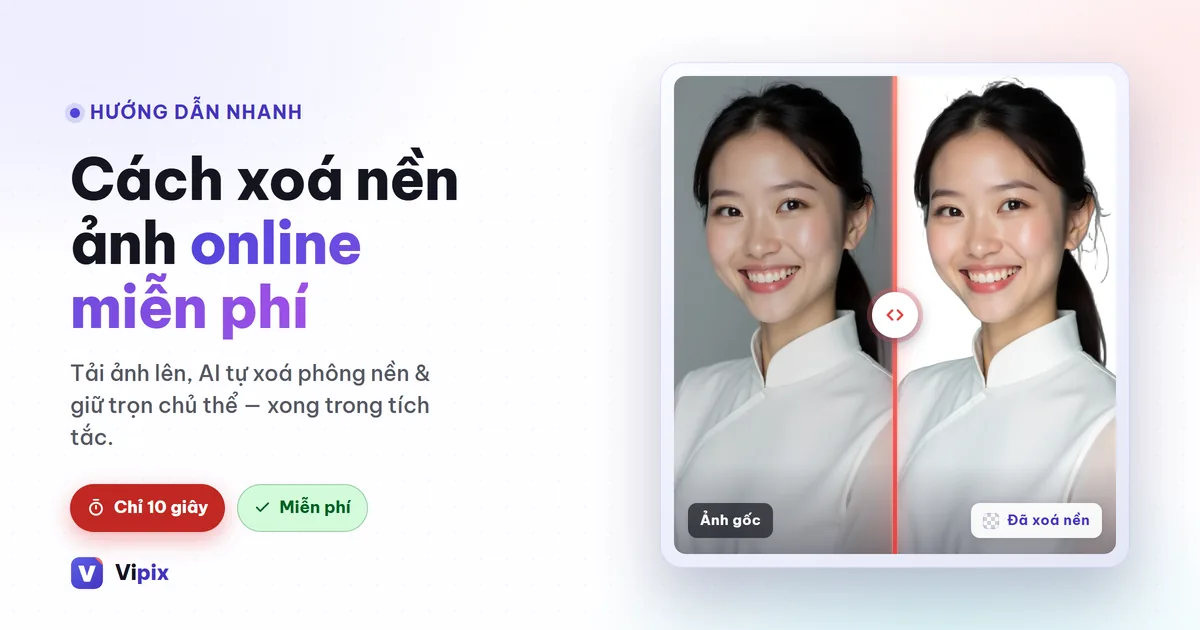
Upload, let the AI cut the subject out, download a transparent PNG — about ten seconds. What a clean cutout needs, and what to do with the file.